
Ways to install
Choose the method that best fits your television, wall, and setup.
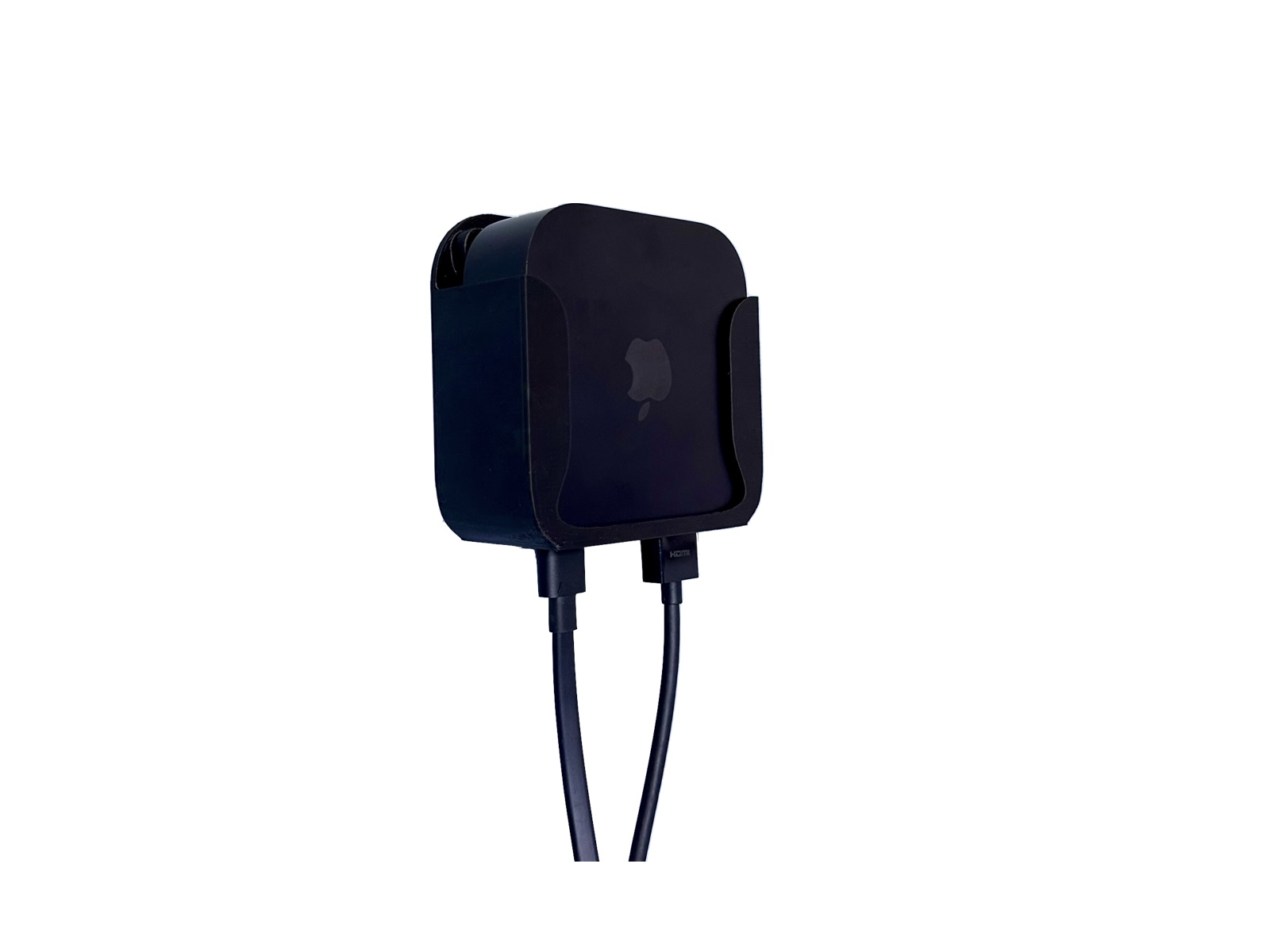
Apple TV & Media
Wall · VESA · TV Vent Hooks · 3M Adhesive
Keep your Apple TV neatly behind the television or mounted to a wall with one compact holder designed around four installation methods.
Apple TV, TV, HDMI cable, power cable, and VESA screws are not included.
Choose the method that best fits your television, wall, and setup.
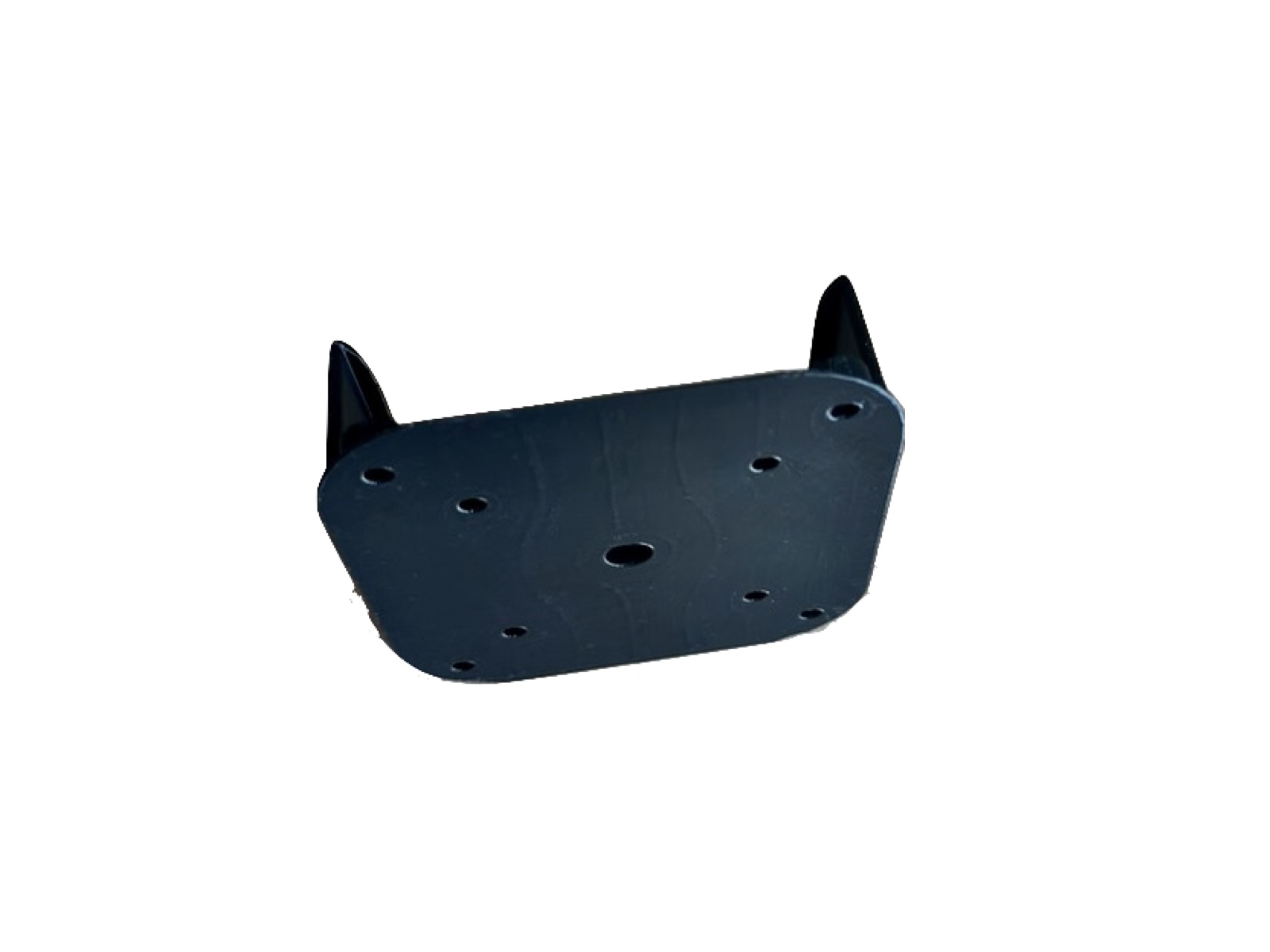
One cradle supports wall, VESA, vent-hook, and adhesive mounting.
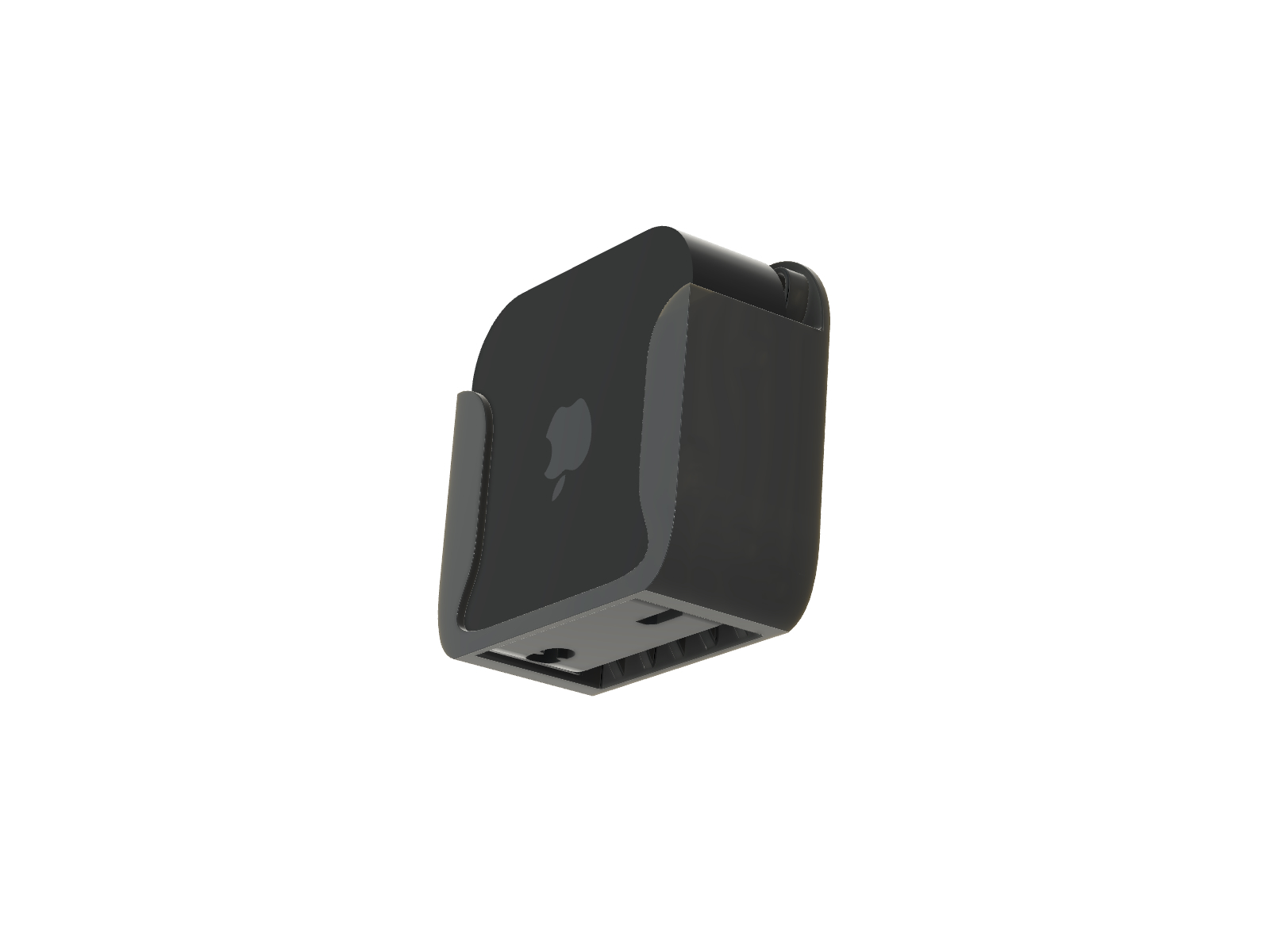
Designed specifically for Apple TV 4K 3rd Generation models A2737 and A2843.
Installation flexibility
Use the installation method that works best for your TV and room. The same holder supports all four options.
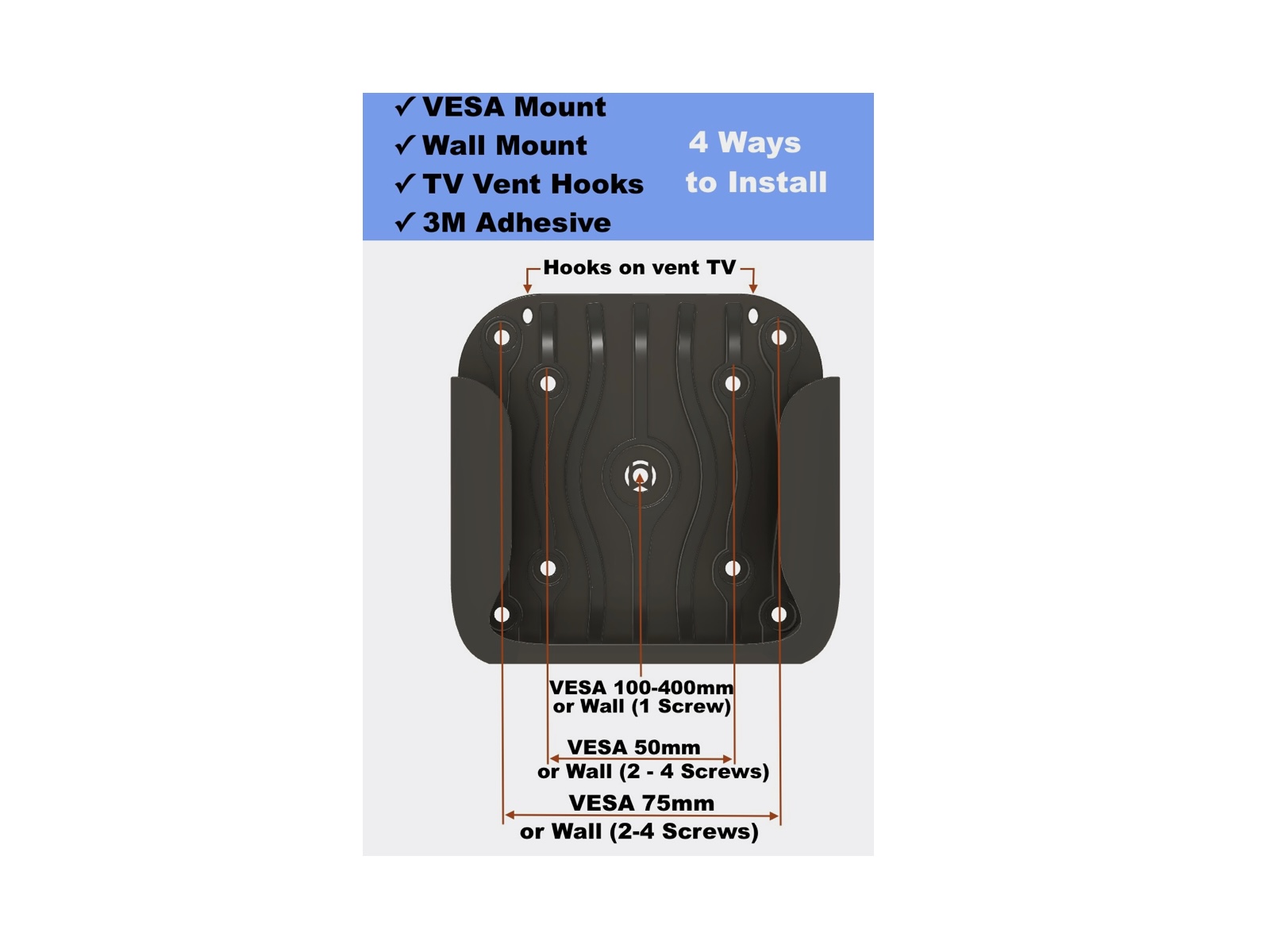
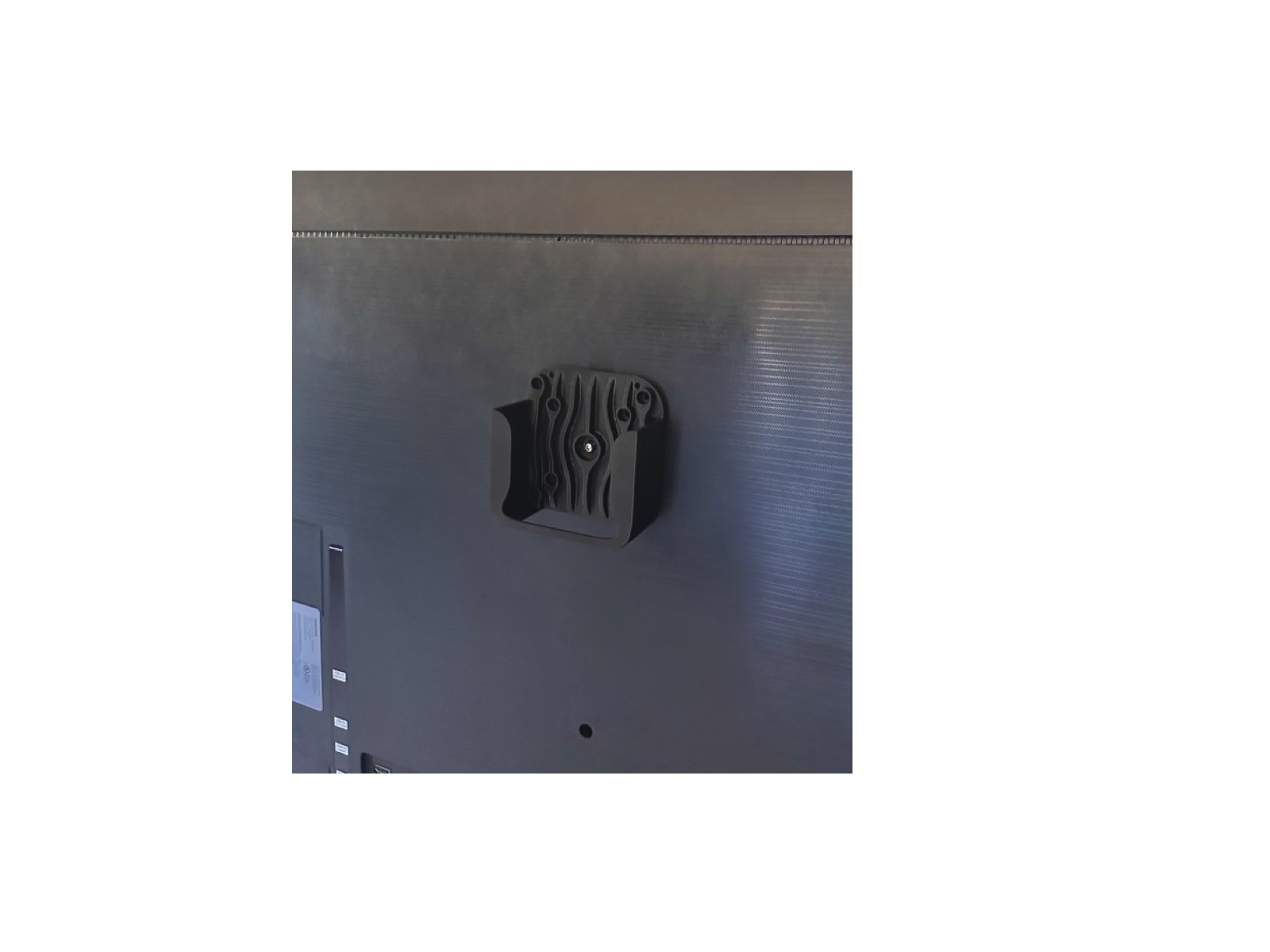
Attach the holder to a compatible VESA mounting point on the back of your TV using suitable VESA hardware.
VESA screws are not included.Secure the empty holder to drywall using the included screws and anchors, then slide the Apple TV into place.
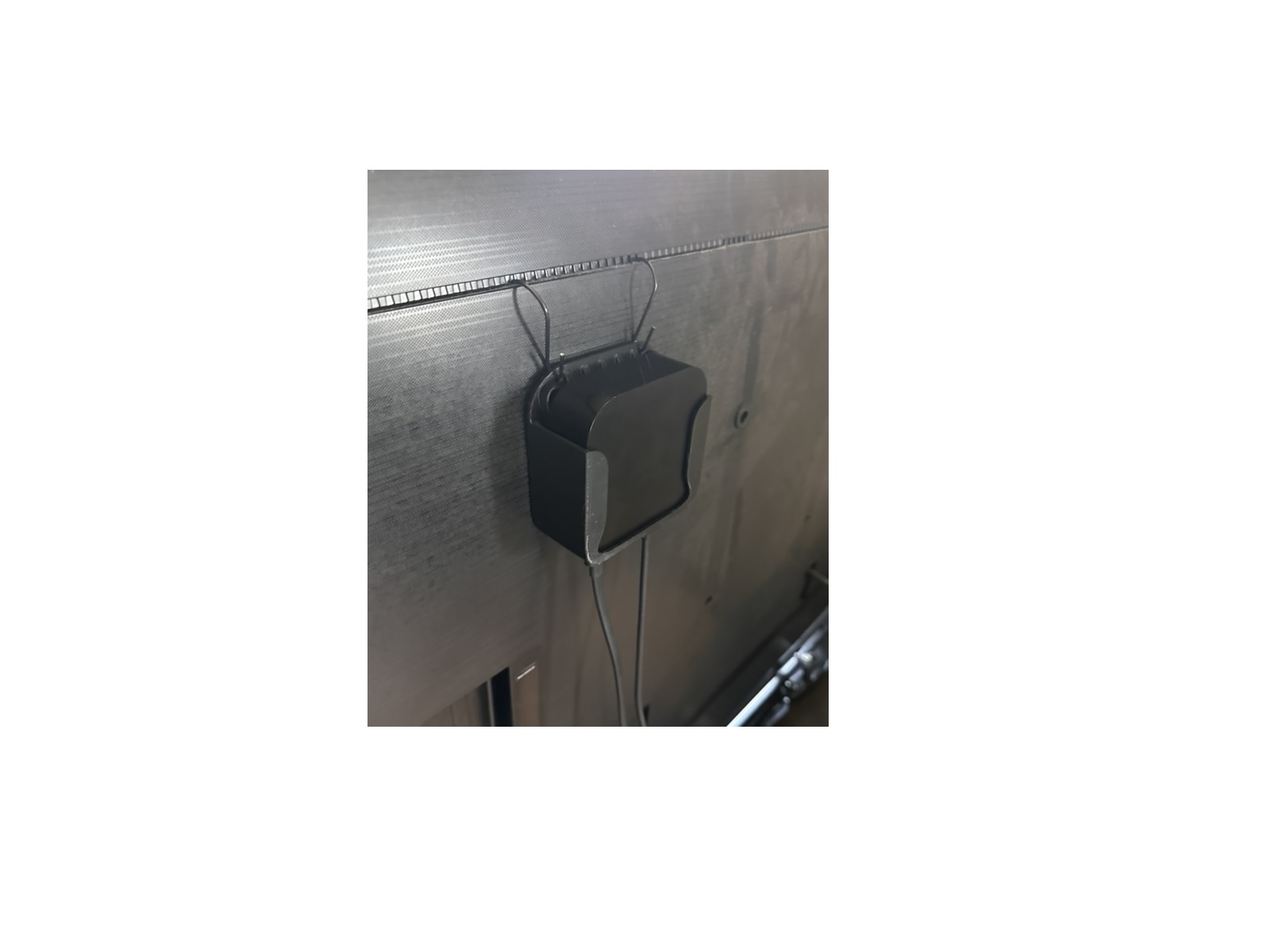
Insert the included hooks into compatible ventilation slots and hang the holder behind the display.
TV vent shape and spacing vary by model; confirm a secure fit before use.Mount to a clean, flat compatible surface using the included 3M Command strips.
Follow the adhesive manufacturer's surface-preparation, pressure, and cure instructions.Real-world setup
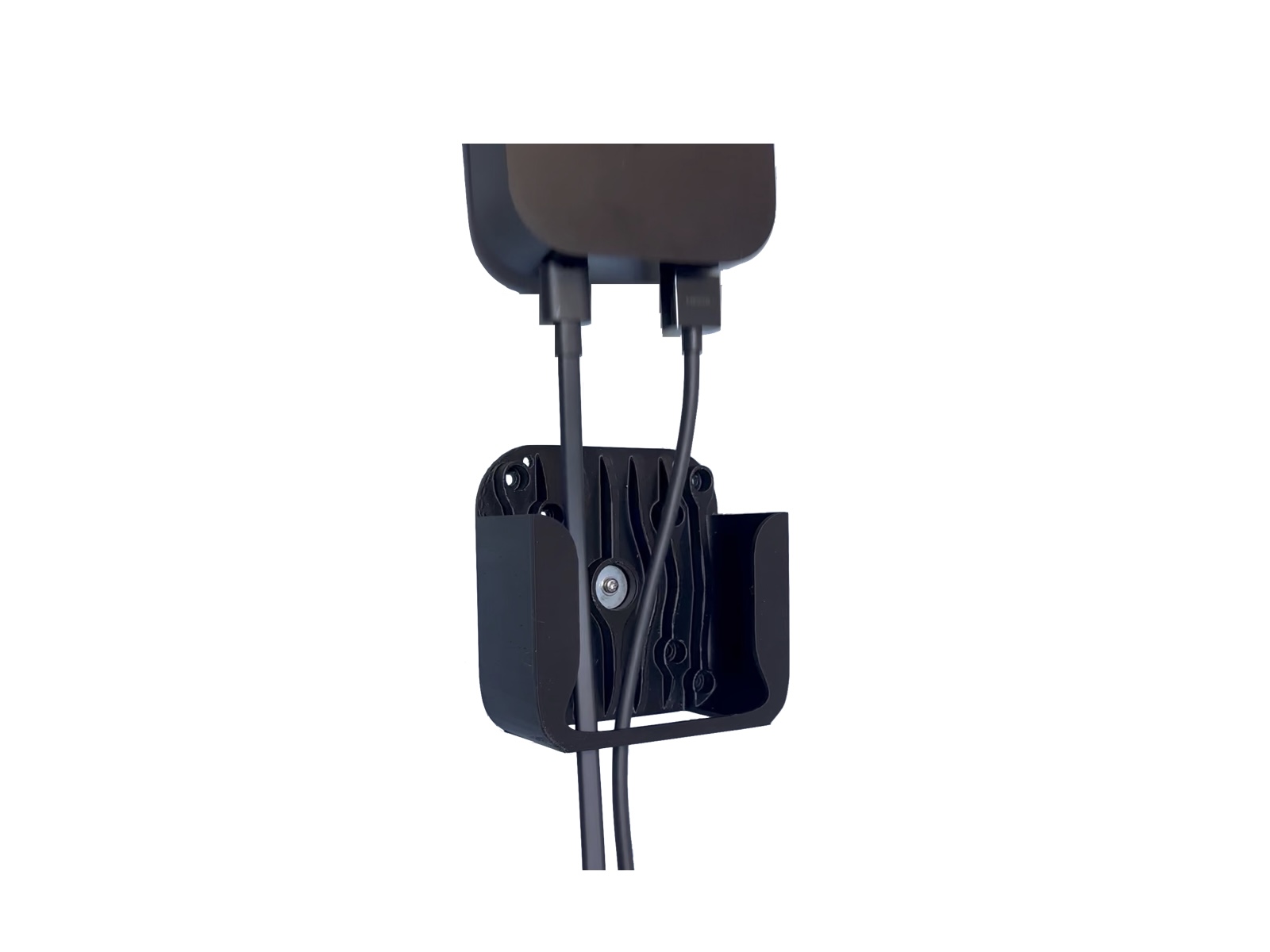
Position the Apple TV behind the display while keeping the HDMI and power connections accessible.
Physical product
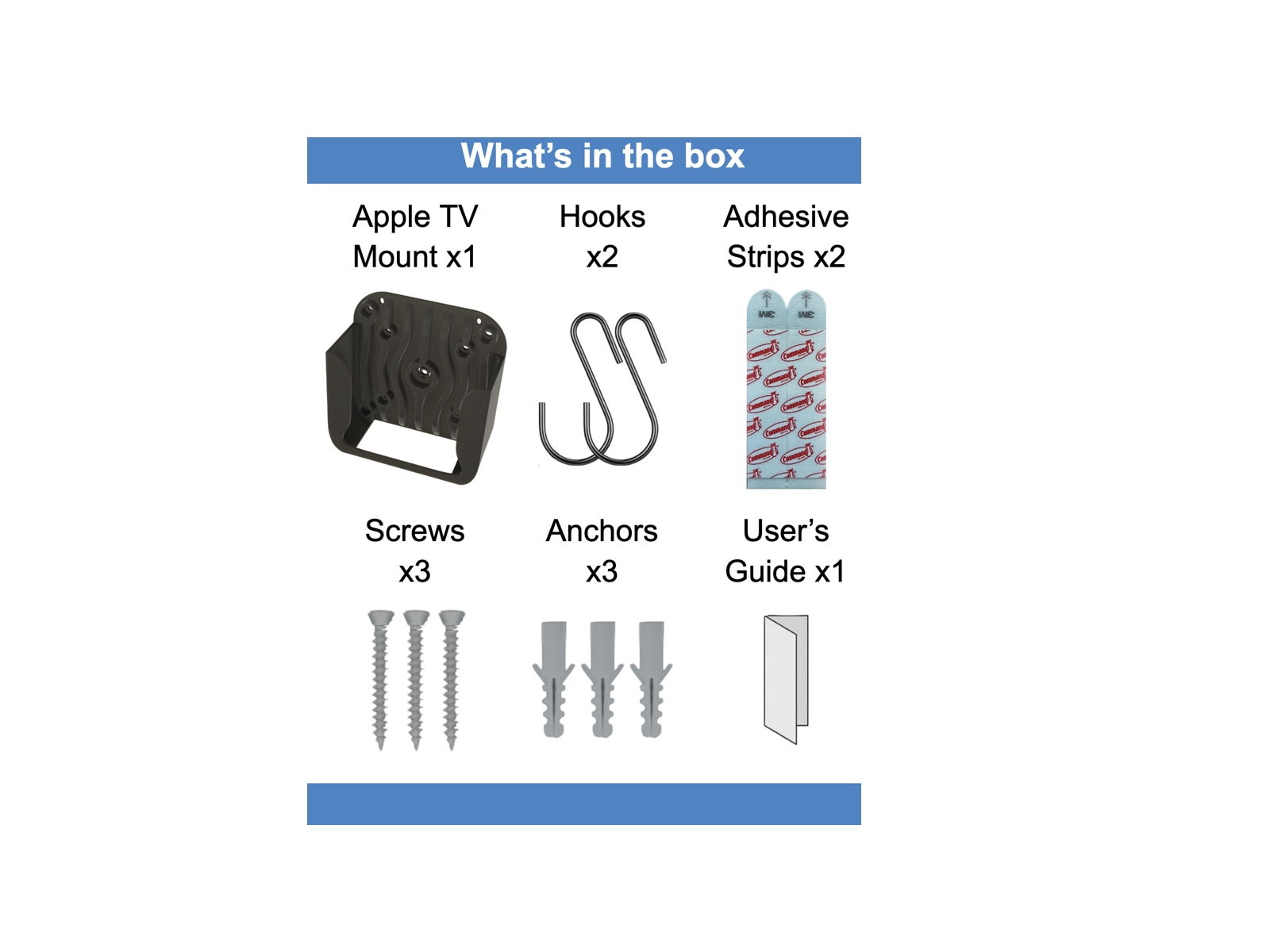
The physical version arrives with the hardware needed for the wall, hook, and adhesive mounting methods.
Product details
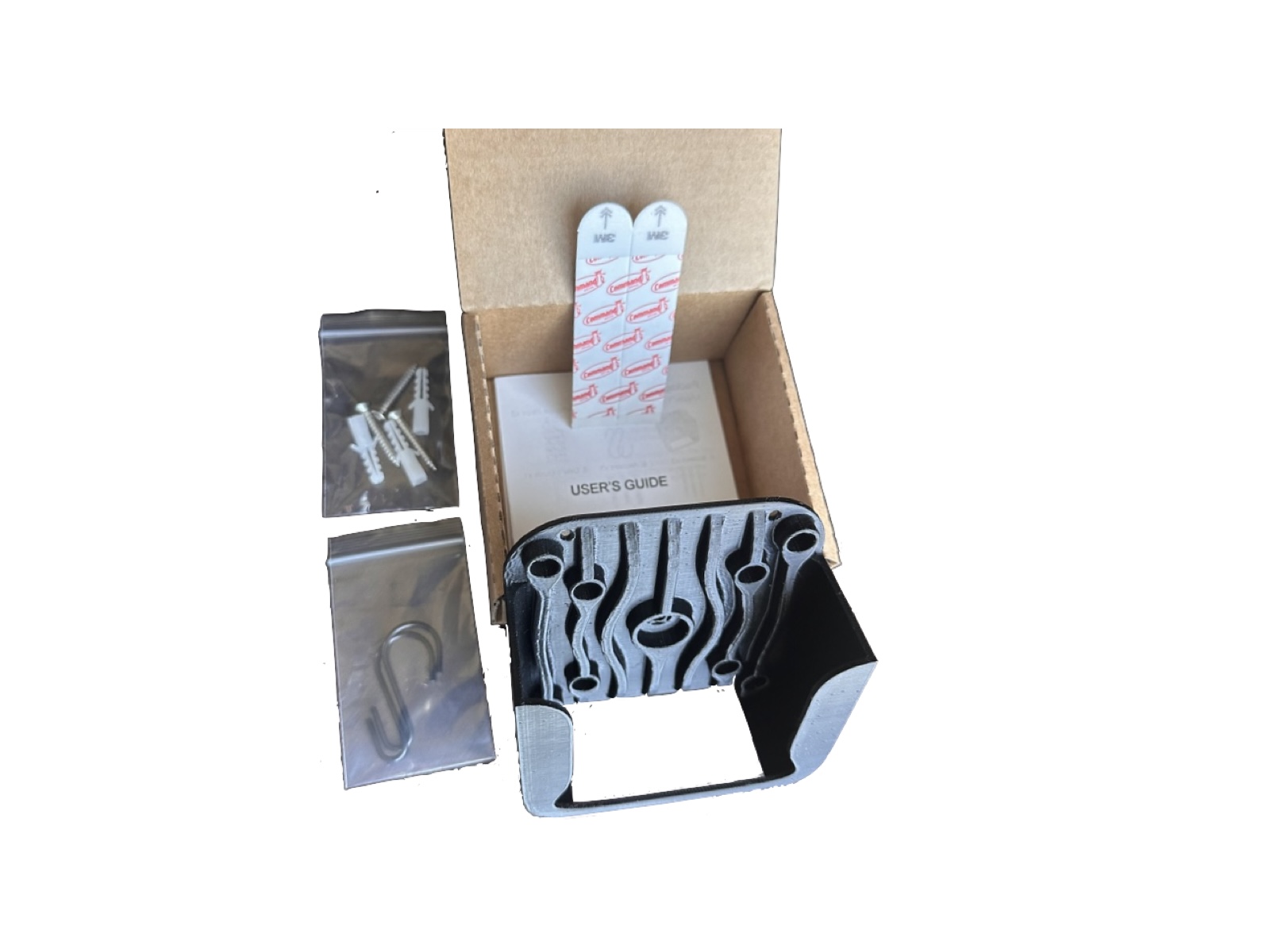
Choose your format
Physical and digital versions are available now.
Ready-to-use product
Printed, inspected, packed with installation hardware, and shipped ready to install.
For makers and 3D printers
Digital download for customers who prefer to print the design themselves. Includes STL/3MF files and documentation.
Support
Contact Yutaka3DLab and include your order platform and product name so we can help quickly.
Apple TV is a trademark of Apple Inc. Yutaka3DLab is not affiliated with or endorsed by Apple Inc. Product appearance may vary slightly due to the nature of additive manufacturing.